


LicenGold
Microsoft Office 2024 Pro Plus – 5 PC License | Multi-Activation Key
Microsoft Office 2024 Pro Plus – 5 PC License | Multi-Activation Key
Couldn't load pickup availability
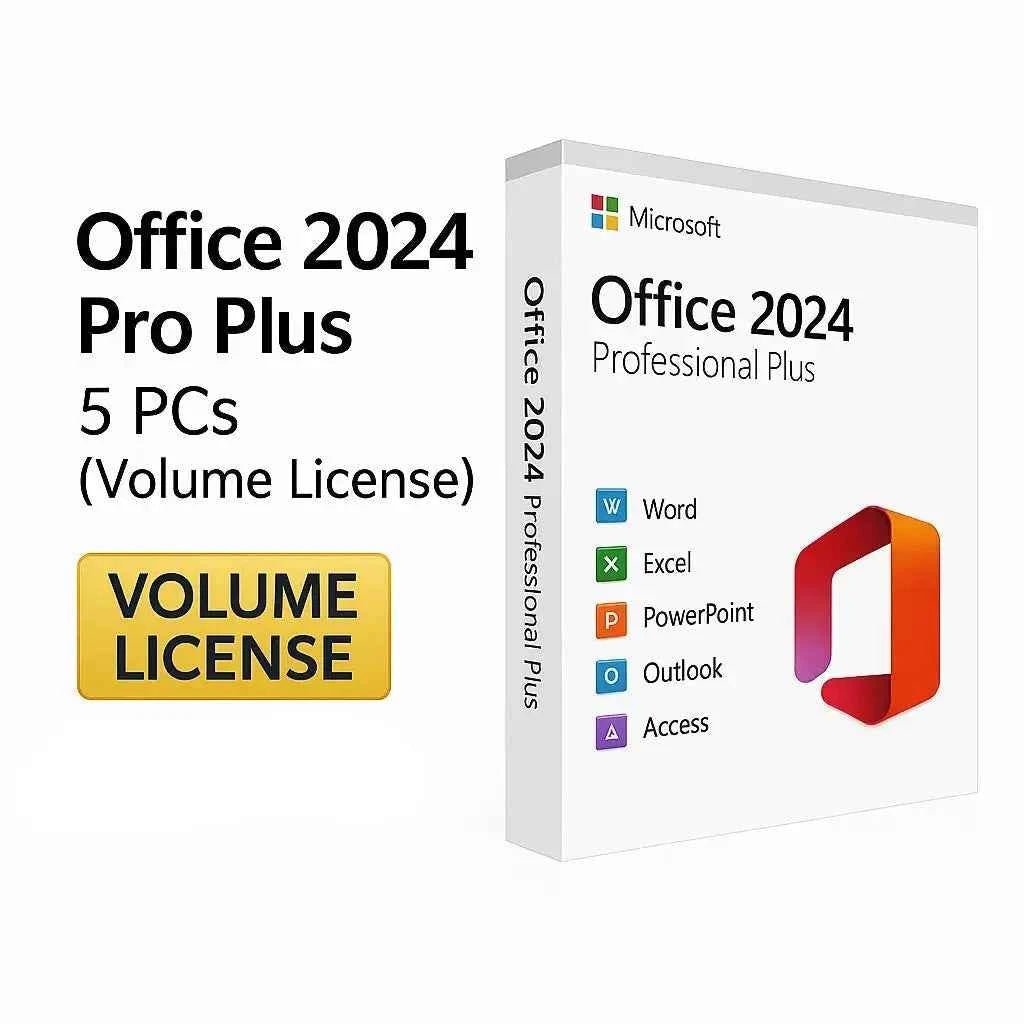
One multi-activation key that activates Office 2024 Professional Plus on 5 separate computers. Built for small teams, consultants and IT technicians who need the same suite on several machines without paying five times.
What you get
- One multi-activation (MAK) key covering 5 independent activations
- The official Microsoft download link
- An installation guide, including silent-deployment notes
- An invoice, sent automatically
- Key replacement or full refund within 24 hours if activation fails
Applications included
Word, Excel, PowerPoint, Outlook, Access and OneNote.
Not included
- Publisher — retired by Microsoft, not part of Office 2024 in any edition.
- Microsoft Teams — distributed separately by Microsoft since 2024, free to download.
- Copilot — requires a Microsoft 365 subscription; no perpetual licence includes it.
Deploying across 5 machines
Each PC activates independently against Microsoft's servers using the same key. Order of operations that avoids most problems:
- Remove any previous Office installation on the target PC first — leftover installations are the most common cause of activation errors.
- Install the 64-bit build unless you have a specific add-in or macro that requires 32-bit.
- Activate, then verify. Keep a simple record of which key went on which machine — it saves hours later.
Support lifecycle
Security updates from Microsoft until 9 October 2029.
System requirements
- OS: Windows 10 or Windows 11 (64-bit)
- RAM: 4 GB per machine
- Storage: 4 GB free disk space per machine
Other sizes of this licence
Frequently Asked Questions
Can one key really activate 5 different PCs?
Yes. This is a multi-activation key (MAK). It carries a pool of 5 activations, and each computer draws one from that pool when it activates against Microsoft's servers. The five machines can have completely different hardware.
Which applications are included?
Word, Excel, PowerPoint, Outlook, Access and OneNote. Publisher is not included — Microsoft retired it and it is absent from every edition of Office 2024. Teams is also not included: since 2024 Microsoft ships it separately and it is free to download.
Is this a subscription?
No. It is a one-time purchase. There are no recurring fees on any of the five installations, and the licence does not expire. Microsoft provides security updates until 9 October 2029.
What if I reinstall Windows on one of the machines?
A reinstall on the same hardware normally reactivates without consuming an extra activation. If you hit an activation limit after several rebuilds, contact us with your order number — we resolve these case by case rather than leaving you stuck.
What happens if I need more than 5 activations later?
Activations cannot be added to an existing key. If your team is likely to grow past five machines within the year, the 10-PC licence costs less than buying a second 5-PC key later. For deployments beyond 10 seats, contact us for a quote.
How quickly is the key delivered?
Instantly by email after payment, typically within 1–5 minutes, together with the official ISO download link and the deployment guide. If it has not arrived, check your spam folder before contacting support.
Share
Related guides
Still deciding? These step-by-step guides answer the most common questions.
Set up Office for our office machines and it’s been stable ever since. Word and Excel run great.
Exactly what we needed for managing multiple installations. Clear process and no activation errors.
Set up Office for our office machines and it’s been stable ever since. Word and Excel run great.
Exactly what we needed for managing multiple installations. Clear process and no activation errors.
Deployed Office 2024 across several PCs using the volume license and every activation went through on the first attempt.